Price Tag Reader

Overview
This project simplifies the task of cataloging products and their prices from images of price tags. It automatically reads the item names and prices from the images and organizes the data for easy access and download.
How it Works
1. Selecting Images
- What it does: Users can upload images of price tags or provide paths to images or folders containing such images.
- Why it’s important: This step allows users to input the data that needs to be analyzed.
2. Reading Text from Images
- What it does: The project scans the images and identifies any text present, such as product names and prices.
- Why it’s important: This step converts visual information (price tags) into textual data that can be easily processed and stored.
3. Organizing Data
- What it does: The identified text is organized to separate item names and their corresponding prices.
- Why it’s important: This step ensures that the data is structured and easy to understand.
4. Storing Data
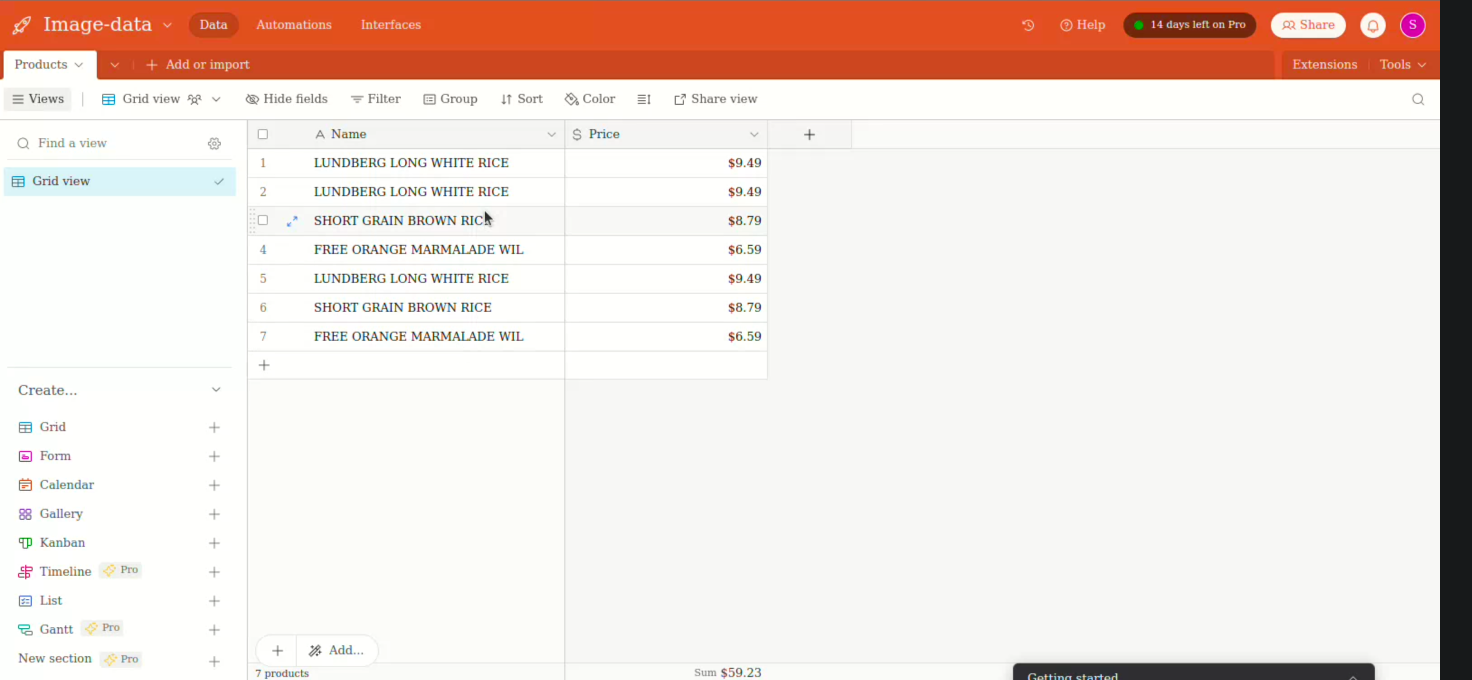
- What it does: The organized data is stored in Airtable, an online platform that combines the simplicity of a spreadsheet with the robustness of a database.
- Why it’s important: This allows users to easily access, modify, and share the data.
5. Downloading Data
- What it does: Users can download the extracted data as a CSV file, which can be opened in spreadsheet software like Microsoft Excel or Google Sheets.
- Why it’s important: This provides users with a convenient way to access and use the data offline.
Usage
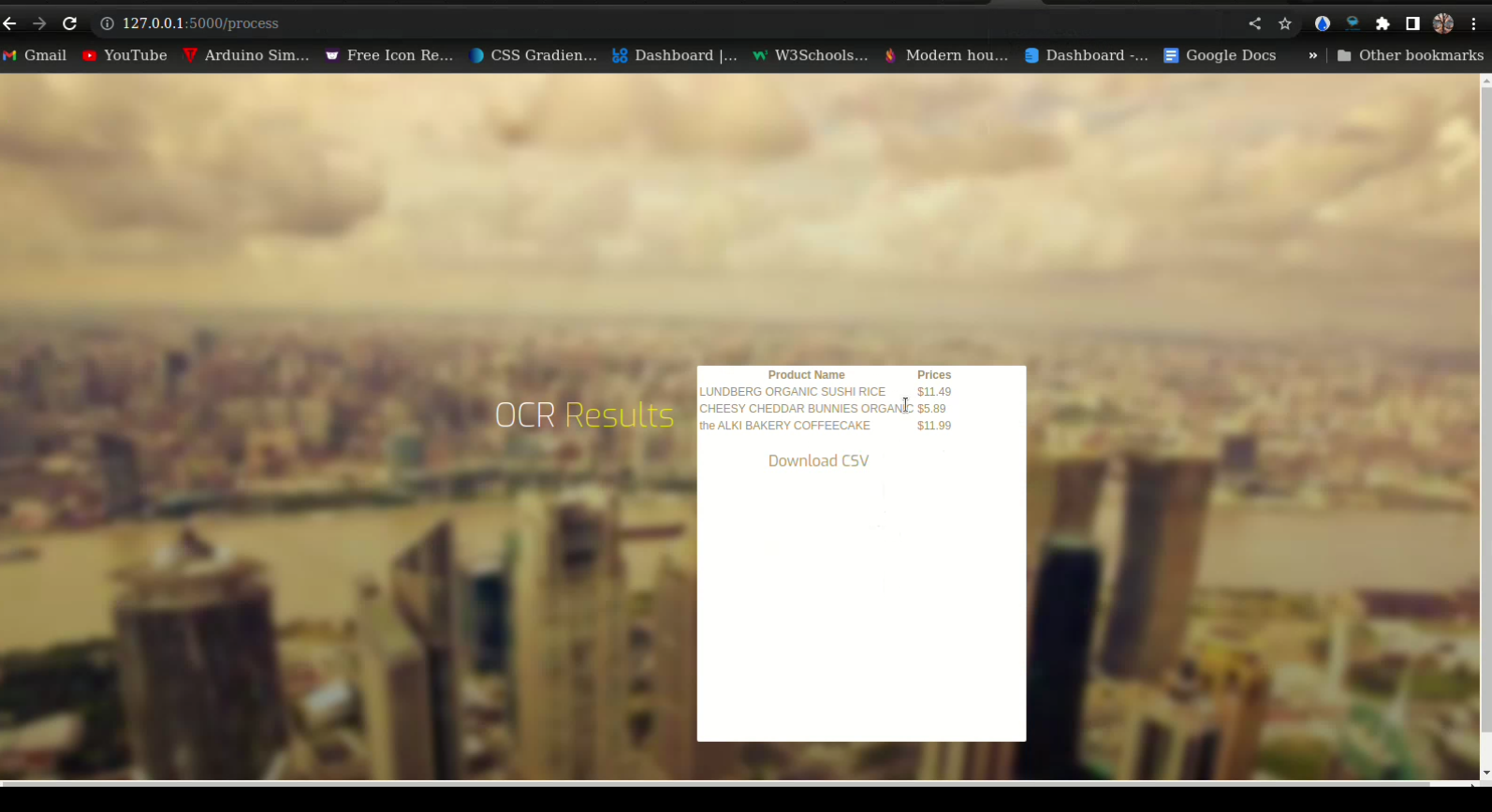
To use this project, simply navigate to the provided web interface, upload or select the images you want to process, and let the tool do the rest. Once processed, you can view the results and download the data as a CSV file.
Conclusion
This project is designed to make the task of cataloging products from images of price tags quick and effortless. It can be particularly useful for retailers, inventory managers, or anyone who needs to extract and organize information from price tags.